Once your requests have been reviewed by the developer, you will be notified by email.
You can then access your 2D and 3D plan, your revised quote, and the developer's feedback on your special requests, if applicable.
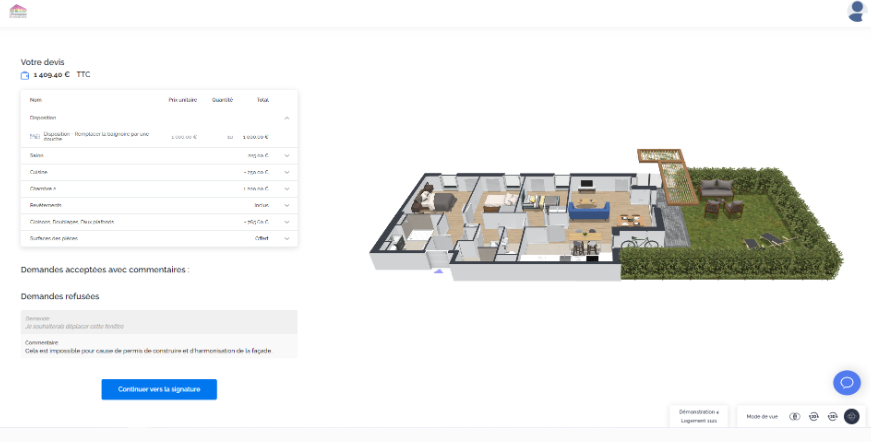
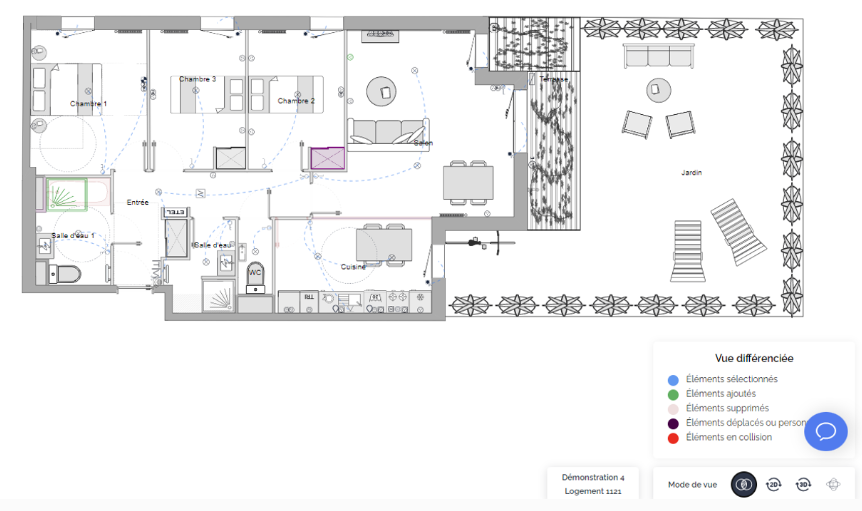
The diff view is an additional view mode available at this stage. Using a color code, you can easily identify all modifications made to your property.
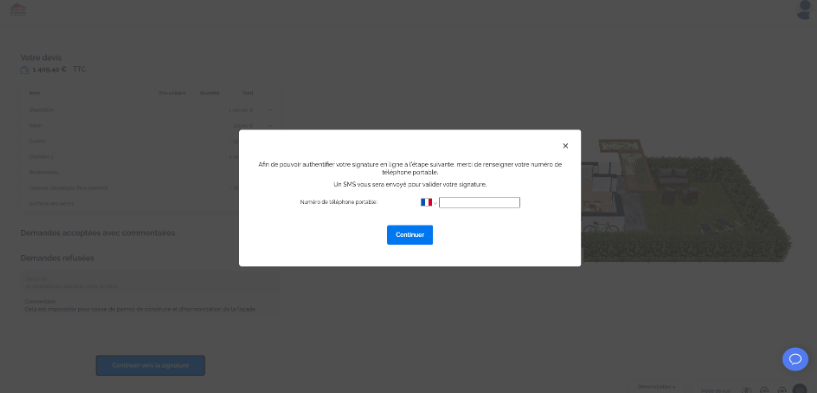
- Click on "Continue to signature" and enter your phone number. This will be needed to authenticate your electronic signature.
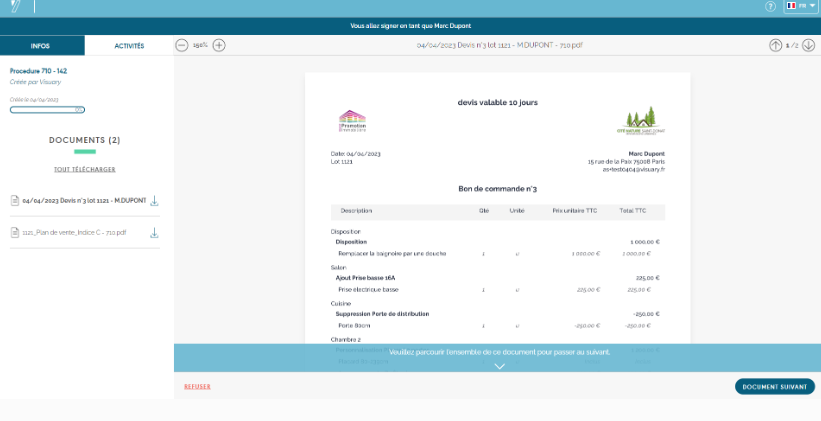
- You will then be redirected to Yousign, the electronic signature interface.
- Read your quote carefully and thoroughly.
- Do the same with your plan.
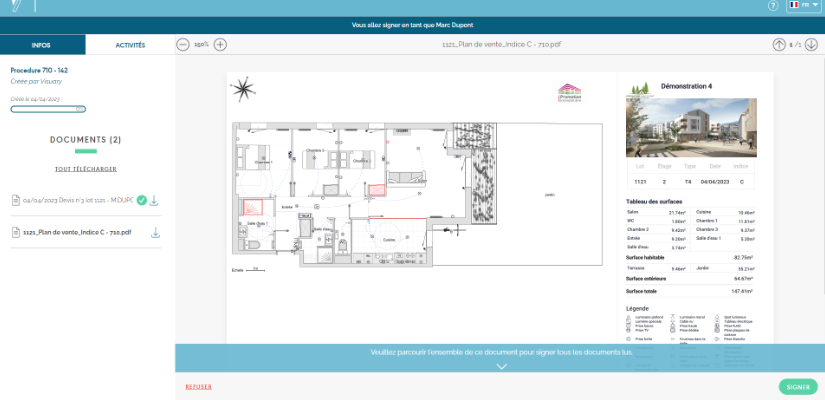
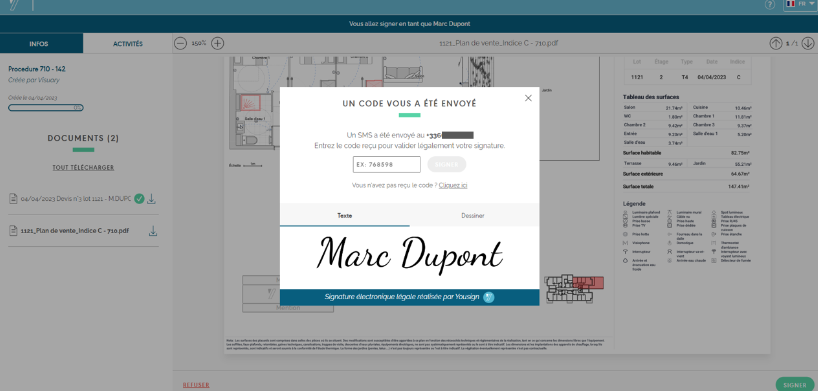
- Click on "Sign" and enter the code you received via SMS.
- Congratulations, you have signed your documents!
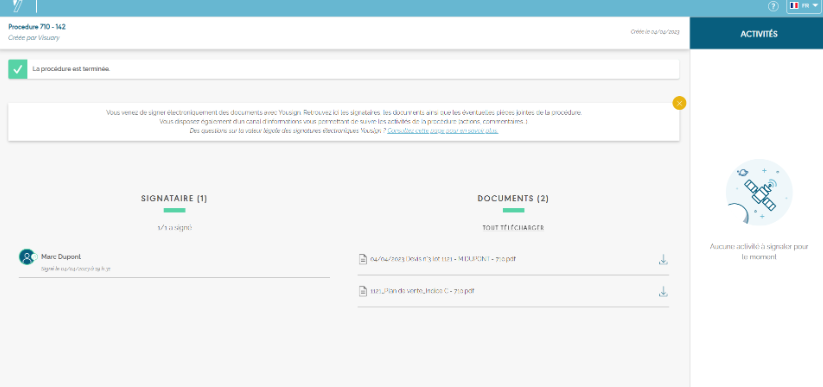
- You will receive your signed documents by email, and your developer will be notified by email of your signature. They will then find your signed documents in their professional workspace.
If the documents do not meet your expectations, you can click on "Reject." Please specify the reason for your rejection, as this will be forwarded to your promoter, who will get back to you.
