As with all customizations available in your configurator, the ability to delete items depends on your developer's catalog of options, the progress of the construction, and current regulations. Items planned for your electrical plan cannot be deleted.
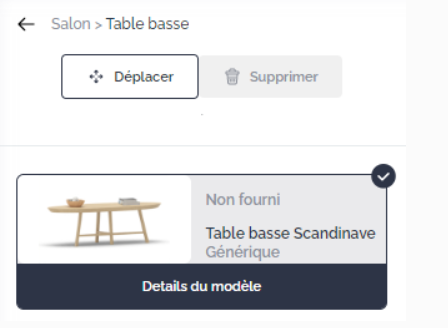
To delete an item, you can simply click on the "Delete" button corresponding to the item.
Deletion is also possible using the "Delete" key on your keyboard.
Deleting an item may result in an additional cost, a reduction in cost, or have no budgetary impact.
